
Humidity Sensor Hysteresis: Compare Rising and Falling RH
Humidity sensor hysteresis is the difference between readings at the same reference relative humidity when the sensor approaches that point from wetter and drier conditions. A useful check holds temperature steady and gives both the sensor and reference time to settle. The comparison helps explain why a sensor can give different readings on either side of a humidity cycle.
Check the reading at the same reference point
Use a suitable humidity reference and a controlled environment. Compare the sensor against the actual reference reading at each plateau, since the chamber setpoint and the air near the probe may differ. Confirm that the reference and probe are exposed to comparable conditions. Note the temperature, airflow and any protective filter that could affect the test.
The Vaisala calibration guidance describes temperature differences, condensation and stabilization as factors to check before calibration. Use the applicable instructions for your own instrument and reference.
Repeat the point from each direction
One sequence is to start below the target, raise the humidity to the target, and record the stabilized reference and probe values. Then condition the probe above the target and return to the target from the higher side. Use the same stabilization criteria and mounting arrangement for each approach. Record how long you waited and the observed trend before recording.
Choose targets within the project operating range and keep the sequence within the permitted conditions. When a datasheet defines specific endpoints, dwell times or conditioning, use that protocol for a specification comparison. A local test with milder cycling can still describe your application.
Separate hysteresis from settling and moisture
A rising reading can lag behind the reference during an increase. During a decrease it may remain higher for a while. Compare the time traces before concluding that the remaining gap is hysteresis. The humidity sensor response time guide explains how the probe and logging system can contribute different delays.
Check the probe for moisture before repeating the sequence. A wet filter or a temperature difference may explain an apparent direction effect. Use the condensation and recovery guide to plan the recovery check.
Report the difference in percentage points
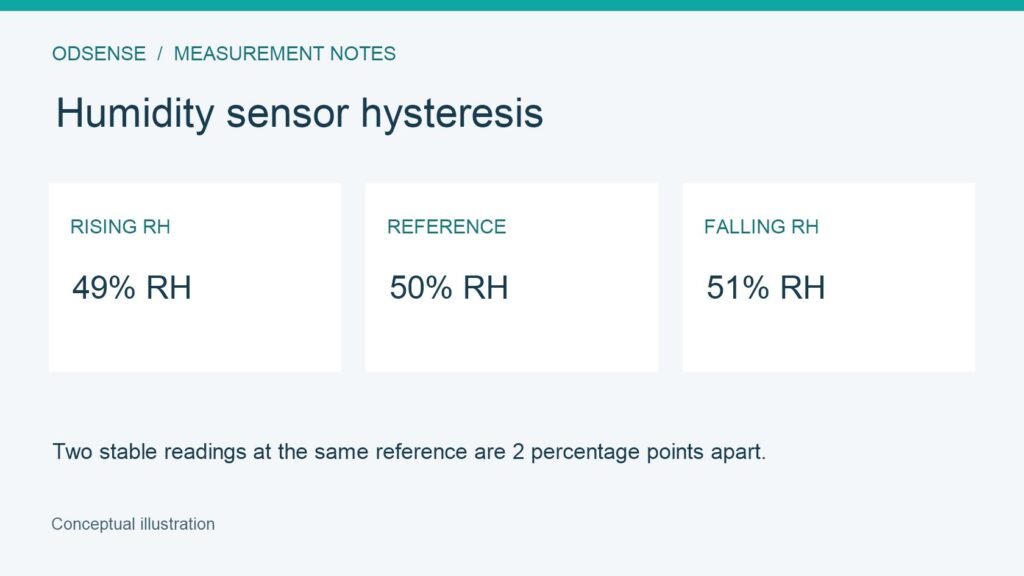
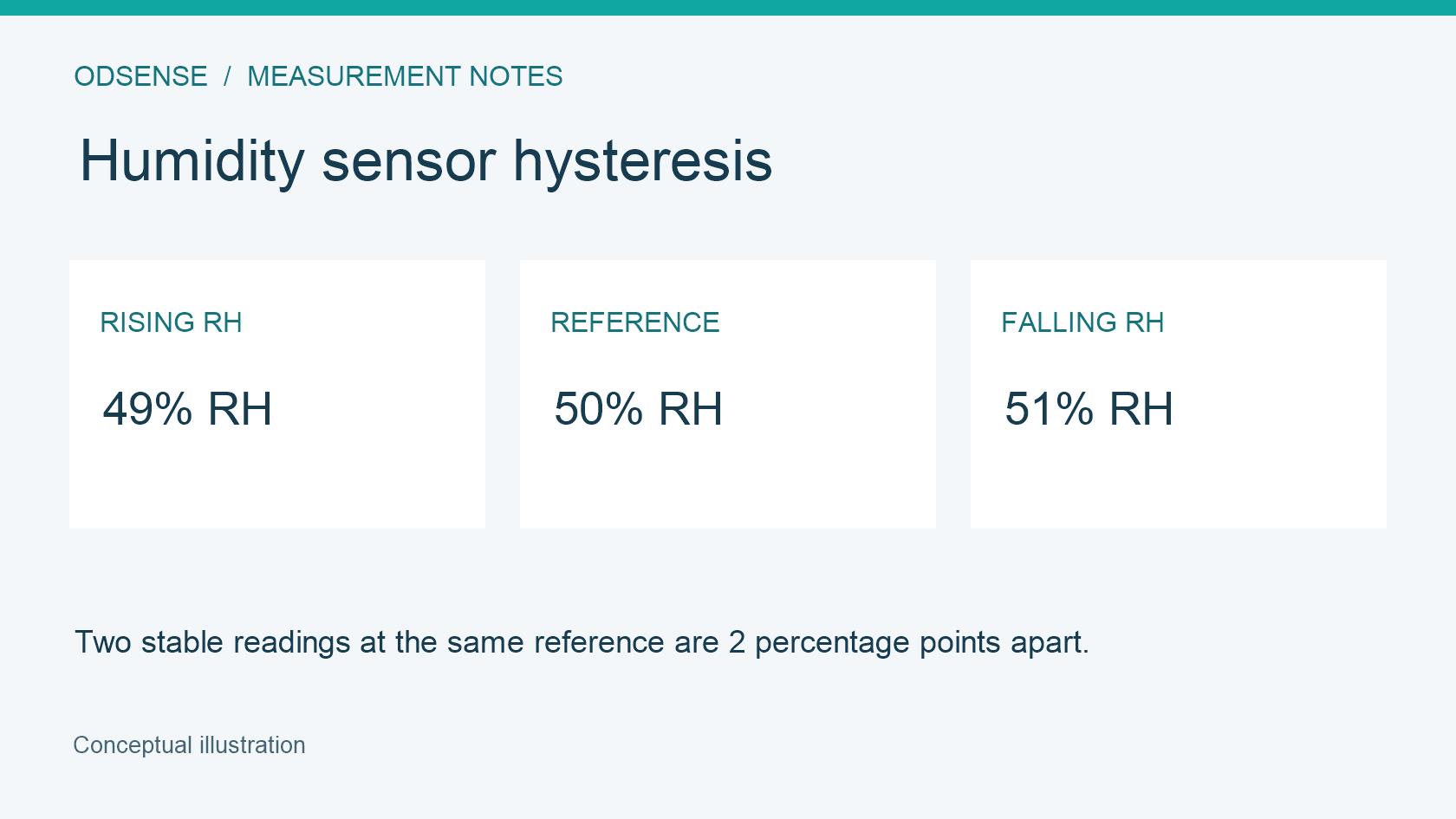
Suppose the stable reference is 50% RH for both approaches. If the sensor reads 49% RH after rising and 51% RH after falling, the observed separation is two percentage points of RH. This is an illustrative result. Record the two observations and reference values so the calculation can be checked. Some specifications give a half-width, so check whether the declared number represents the full separation or a signed deviation.
Read the specification in context
The Sensirion SHT4x datasheet lists hysteresis, repeatability and response time as distinct parameters. Some manufacturers include hysteresis within an accuracy statement. The Vaisala specification explanation shows why definitions and reference uncertainty matter. Use the humidity sensor accuracy guide to compare evidence for the actual model.
Use the result to judge the application
If the reference or sensor is still moving, repeat the point with a documented stabilization criterion. If the separation persists, compare it with the project tolerance and the manufacturer's test definition. A single offset shifts both observations and leaves their separation intact. For a control loop, review whether that gap matters around the actual operating setpoint.
Frequently asked questions
Does hysteresis tell me the response time? Response time describes the change after an input step. Hysteresis compares stabilized readings approached from opposite directions.
Is one RH point enough? A single point describes only that test point. Include the RH range and conditions that matter for the decision.