
Humidity Sensor Response Time: Separate Sensor Lag from System Delay
Humidity sensor response time describes how quickly a measurement approaches a changed condition. It is not the same as the logger's sampling interval or the display refresh rate. Before comparing datasheet numbers or adjusting a control loop, identify the response definition and the conditions under which it was measured. The installed probe, filter and surrounding airflow all matter.
Check the response definition
Response figures may specify different fractions of the final change. A value defined at one fraction cannot be directly compared with another without an appropriate response model. Also distinguish a humidity step at constant temperature from a transition in which the entire probe changes temperature.
Vaisala's response-time technical note explains these distinctions. Record the stated definition and test conditions alongside the number. Do not assume a single time constant describes every installed environmental transition.
Allow for thermal equilibration
Relative humidity depends on temperature. A probe moved from a cool location into warm humid air may initially experience a different local condition from the surrounding room. The temperature response of the assembly can therefore affect the apparent humidity response.
Review simultaneous temperature and humidity records before treating the lag as a defective humidity element. The dew-point monitoring guide explains why temperature and moisture must be interpreted together. If condensation occurred, complete the documented recovery procedure before evaluating normal response.
Include the installed filter
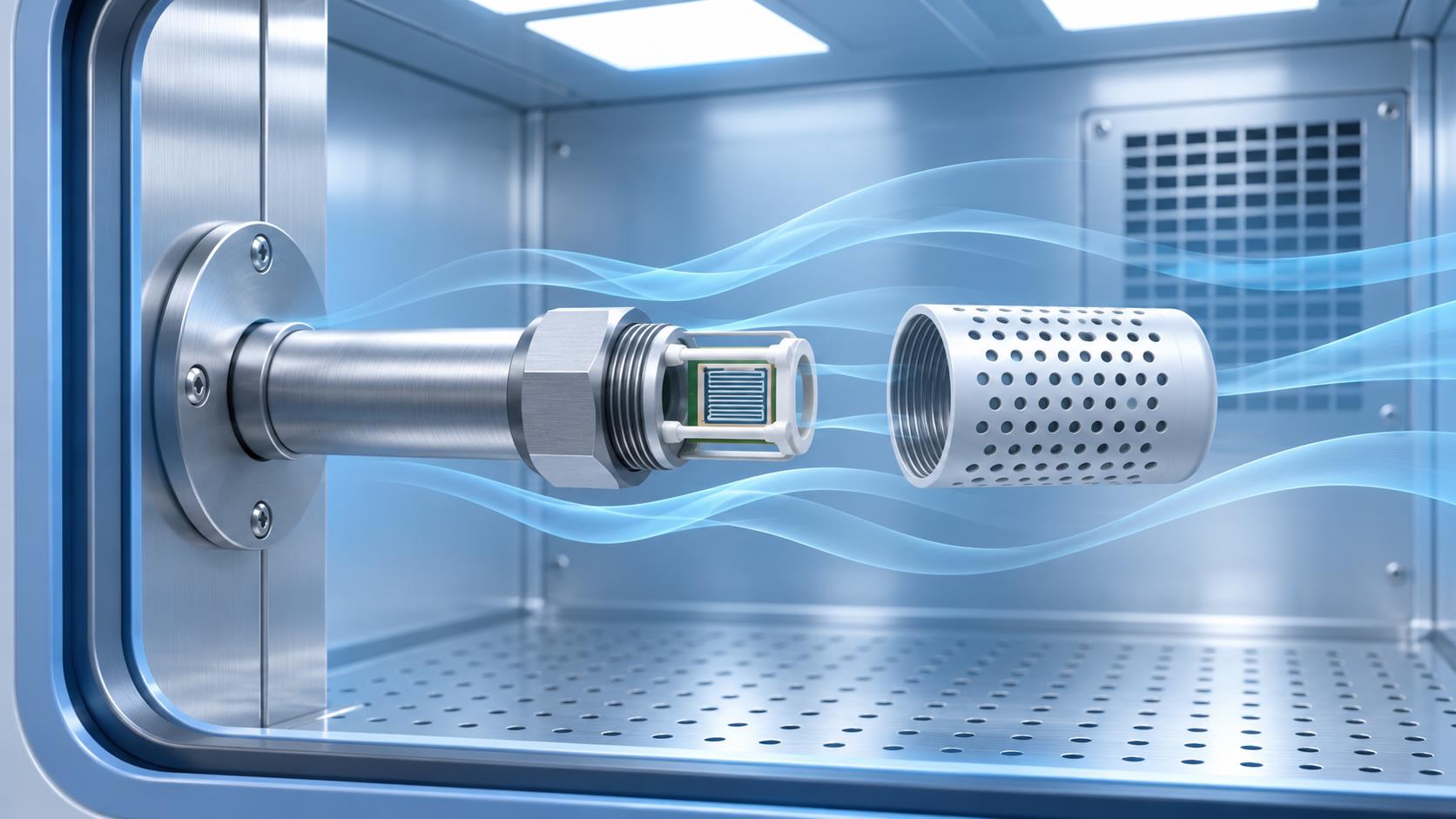
A protective filter changes gas exchange around the element and can add thermal mass. Filter materials and geometry balance response with protection against particles, physical damage and environmental exposure. A bare-element response claim may not describe a finished protected probe.
Vaisala's filter-selection document describes those tradeoffs. Use a filter approved for the model and environment. Removing protection to obtain a faster-looking response can introduce contamination or damage rather than solve the underlying requirement.
Review airflow and location
Still air, an enclosure pocket or an installation beside a warm surface can delay equilibration with the intended environment. Increasing airflow is not automatically appropriate: the actual model has environmental and mechanical limits. Evaluate the location and installation instructions together.
The industrial humidity monitoring guide helps assess representative placement. Compare instruments in the same measurement environment instead of assuming that nearby locations have identical temperature and humidity histories.
Trace the complete signal path
List the sensor's internal filtering, transmission interval, logger sampling, averaging and dashboard refresh. These stages can make a fast sensor appear slow or hide a short excursion. A higher sampling rate cannot recover a physical change that the sensing assembly never resolved.
Use raw available data and timestamps when investigating lag. Vaisala's RH device application note identifies airflow, temperature and filters as contributing factors. Its product examples do not establish response performance for another manufacturer's instrument.
Design a useful acceptance check
Define the application transition, acceptable settling behavior and comparison method before testing. Use a suitable reference and stable, documented conditions. Change one suspected source of delay at a time so the result remains interpretable.
Inspect blocked or contaminated filters using the approved procedure. A slow response and a persistent offset are different findings; do not use calibration adjustment to conceal timing behavior. The humidity accuracy evidence guide helps distinguish response claims from accuracy and installed uncertainty.
Frequently asked questions
Is a fast refresh rate proof of fast response? No. A display can update repeatedly while the physical sensor is still equilibrating.
Can I compare two response numbers directly? Only after matching the definition, temperature conditions, airflow and installed filter or assembly.
Will calibration fix a slow trend? Calibration addresses measurement agreement under specified conditions. Investigate timing, thermal equilibration and filtering separately.