
LoRaWAN RSSI and SNR: Diagnose Missing Sensor Reports
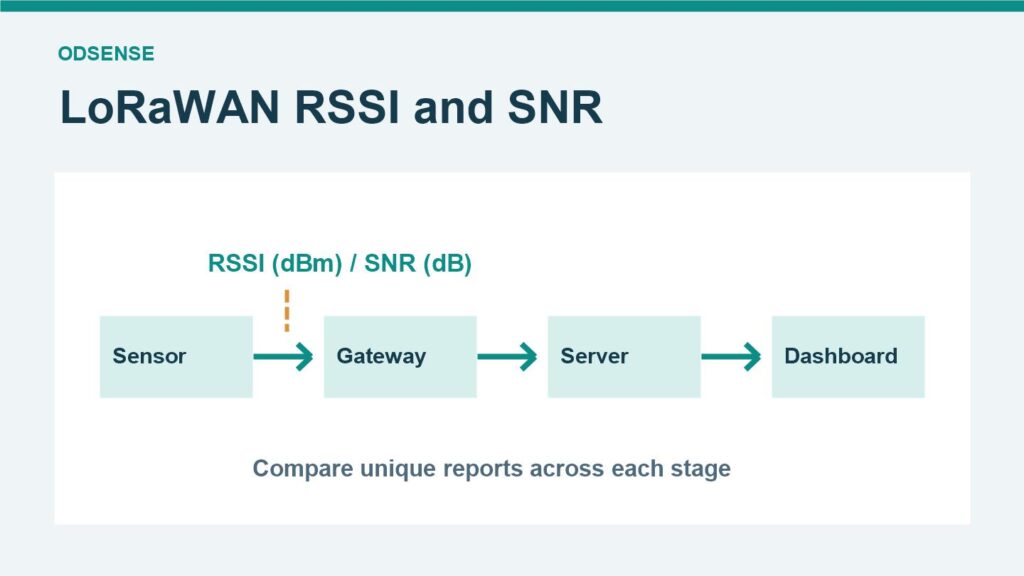
LoRaWAN RSSI and SNR describe a received signal. To diagnose missing sensor reports, pair those values with a count of expected reports and trace where each missing report first disappears. A few strong packets in the dashboard can still come from a deployment with intermittent delivery.
Read RSSI in dBm and SNR in dB
RSSI indicates received signal strength. SNR compares signal power with noise power. A stronger received signal often produces an RSSI closer to zero. SNR can be negative on a decodable LoRa packet, depending on radio settings and receiver. The Things Network RSSI and SNR guide explains the distinction and the role of spreading factor.
Compare the same gateway and data rate first
An uplink may reach several gateways, each with its own received strength and SNR. Group observations by gateway and data rate when comparing positions or time periods. Record channel and spreading factor where available. Check which RSSI field the software exposes. The Things Stack metadata reference distinguishes channel RSSI from signal RSSI.
Count unique reports as well as received packets
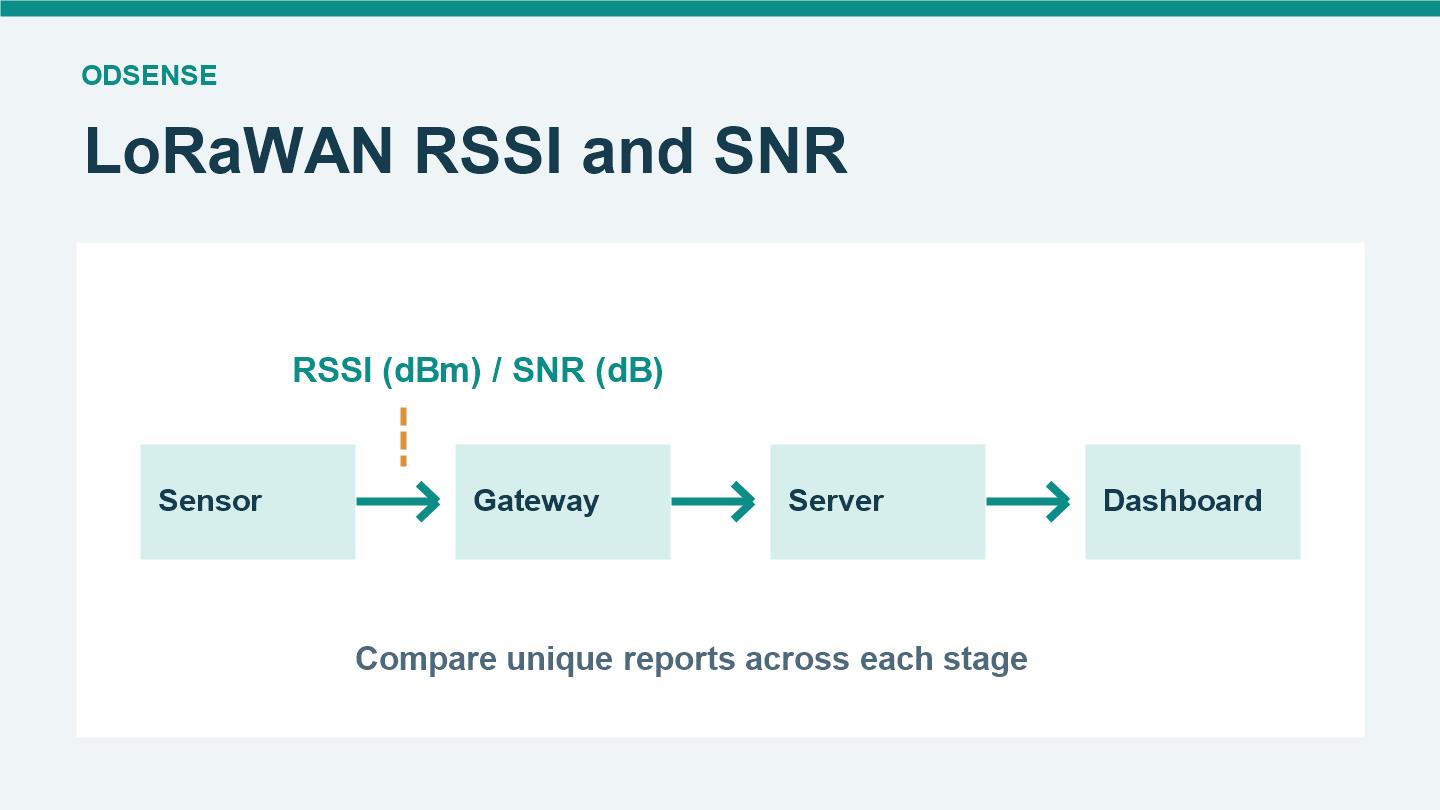
For a known test period, record the expected reports and the unique reports delivered. A device report sequence or local transmission log helps establish the count. Count duplicate receptions of one report only once. Track gaps and late arrivals separately. Match the test to the data logger sampling interval and the reporting interval, which may differ if the device batches readings.
Repeat tests at the installed location
Use the final enclosure, mount, antenna orientation, and normal operating conditions. Compare the equipment cabinet open and closed when access is permitted. A weaker RSSI at one location suggests checking obstructions or mounting. A poorer SNR at similar RSSI suggests investigating the noise conditions before drawing a conclusion. The HSLU field testing guide discusses the effect of walls, enclosure conditions, and orientation.
Find where missing data stops
If the device transmitted a report but no gateway recorded it, check installation and channel plan. If the gateway recorded it but the server did not, review gateway connectivity and the forwarding path. If the network server accepted it but the dashboard lacks it, inspect payload decoding, application delivery, and timestamps. Start with the LoRaWAN device compatibility checklist when new or replaced equipment is involved.
Set acceptance criteria around the data you need
Specify the minimum report delivery and the longest acceptable gap for the application. Check them across normal operating periods, including times when conditions change. Report the number of unique observations, the coverage of each gateway, and any gaps left unexplained. The LoRaWAN deployment testing guide covers additional commissioning checks.
Frequently asked questions
Can one good RSSI value prove reliable coverage?
Use a set of observations from the actual installation. RSSI appears only for packets that produced reception metadata, so you still need the expected-report count.
Can uplink readings show whether commands reach the device?
They describe the uplink reception. If the project uses downlinks, verify command delivery separately under the intended operating configuration.