
Data Logger Sampling Interval: What Actually Gets Stored?
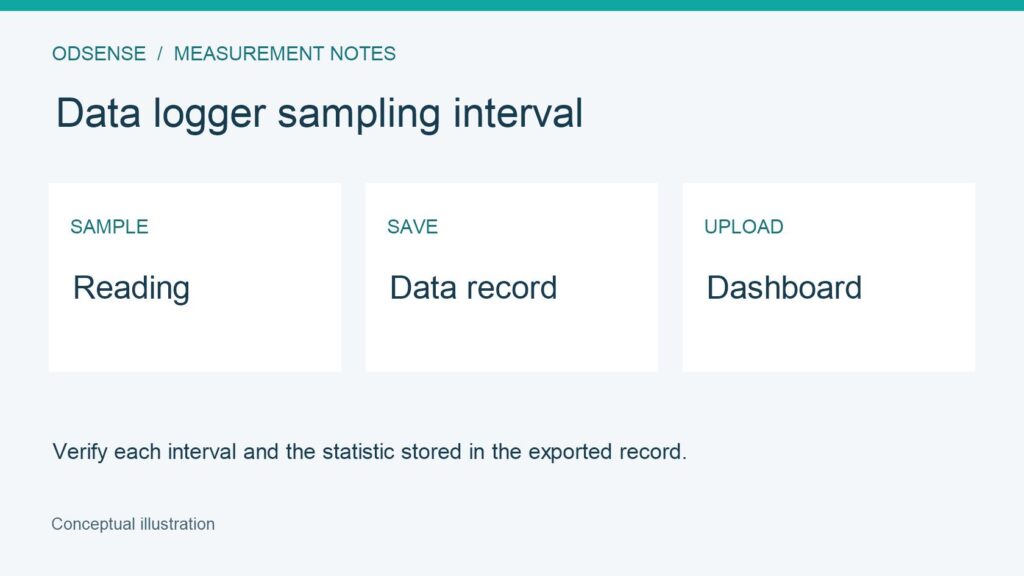
The data logger sampling interval controls how often the system takes a reading. The logging interval controls how often it saves a record. The upload interval controls when those records reach a dashboard. For temperature and humidity monitoring, specify all three and confirm which values each record contains.
Identify the three intervals in the actual system
A sensor may update internally at one rate, a logger may collect it at another rate, and a gateway may upload several records in a batch. Reading a sensor faster does not create fresh observations if its internal value has not updated. Locate each setting in the sensor, logger and dashboard. The temperature and humidity data logger comparison covers related hardware choices.
Choose what the saved record needs to show
An instantaneous record represents an observation at a point in time. A window average combines readings and can reduce the visibility of short excursions. Saved minima and maxima help show the range of sampled values, but alone may not say when an event occurred or how long it lasted.
The Onset UX100 manual shows that readings and statistics can be stored as separate series. The Remote Site Manager guide describes a mode that retains the average without the individual measurements. Confirm the behavior of the model and mode you plan to use.
Work backward from a short event
Imagine an enclosure door opens for less than a minute while the logger retains one record every five minutes. If the stored value is one instantaneous sample, the event can occur entirely between records. If faster samples are averaged before storage, an observed excursion may appear as a smaller change. A retained maximum or minimum can reveal a sampled excursion, and the full series can help establish its timing.
Choose the interval and statistic based on the shortest event that matters, the expected sensor response and the evidence the operator needs. For probe and placement considerations, see the industrial temperature and humidity monitoring guide.
Document timestamps and missing data
Determine whether a timestamp marks the sample time, the beginning or end of the statistics window, or the moment the server received the record. Verify the time zone and how delays are represented. Keep missing samples distinguishable from valid zeros. The Campbell Scientific Average instruction illustrates that missing-value handling is specific to the processing implementation.
Check memory, power and delivery separately
Faster sampling can raise power use; faster logging or extra stored statistics can increase memory use. Uploading in batches may delay the dashboard even when local records are complete. Confirm the expected data volume, offline buffering and what happens when storage fills. A remote temperature and humidity sensor guide helps distinguish probe distance from connectivity.
Validate the export with an acceptance test
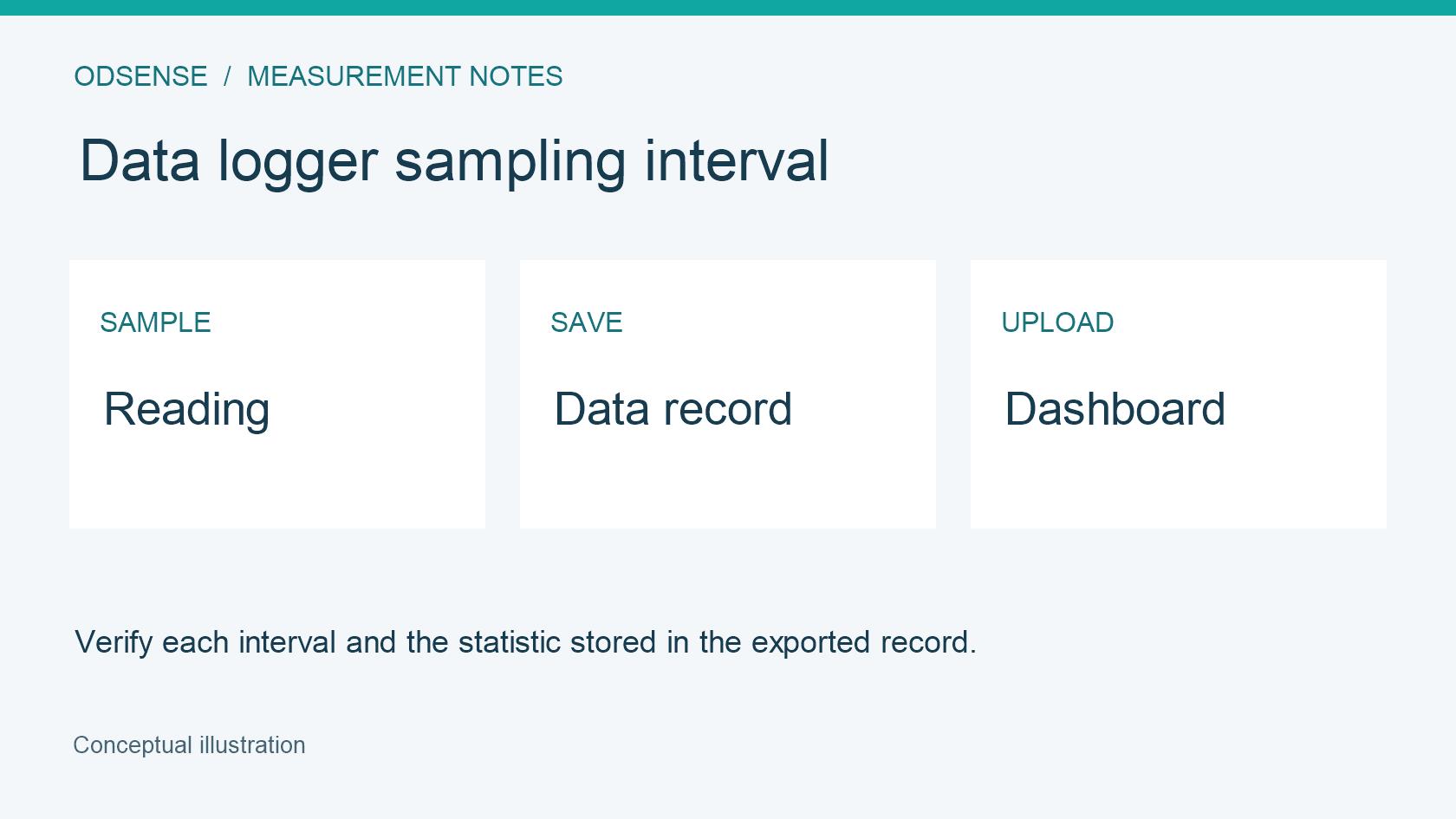
Replay a safe, observable event similar to the shortest one the project needs to detect. Compare local readings, exported records and the dashboard. Check the saved statistic, recorded time, alarm timing and recovery after a temporary connection loss. Keep the configuration and test record so the same behavior can be checked after updates.
Frequently asked questions
Does a faster upload capture more samples? It can deliver existing records sooner. The sensor update, sampling and logging settings determine the observations available for upload.
Can an average show how long an alarm threshold was exceeded? An average by itself does not preserve duration. Keep the underlying samples or a recorded duration statistic when that information matters.